Free Online Line Break Remover — Fix Text in Seconds
Remove Line Breaks & Fix Your Text With The
#1 Free Line Break Remover
Paste your text and remove unwanted line breaks instantly. Replace them with spaces or strip them completely. Fix copy-paste from PDFs, emails, and code. No signup, no downloads.
Options
How the Line Break Remover Works — Paste, Clean, Copy
You copy text from a PDF and every line ends with a hard break. You paste an email and the formatting is shattered. You pull text from a website and every sentence starts on its own line. Fixing this by hand means hunting through the document, deleting breaks one at a time, and hoping you don't merge two paragraphs by accident.
The line break remover does it in three steps:
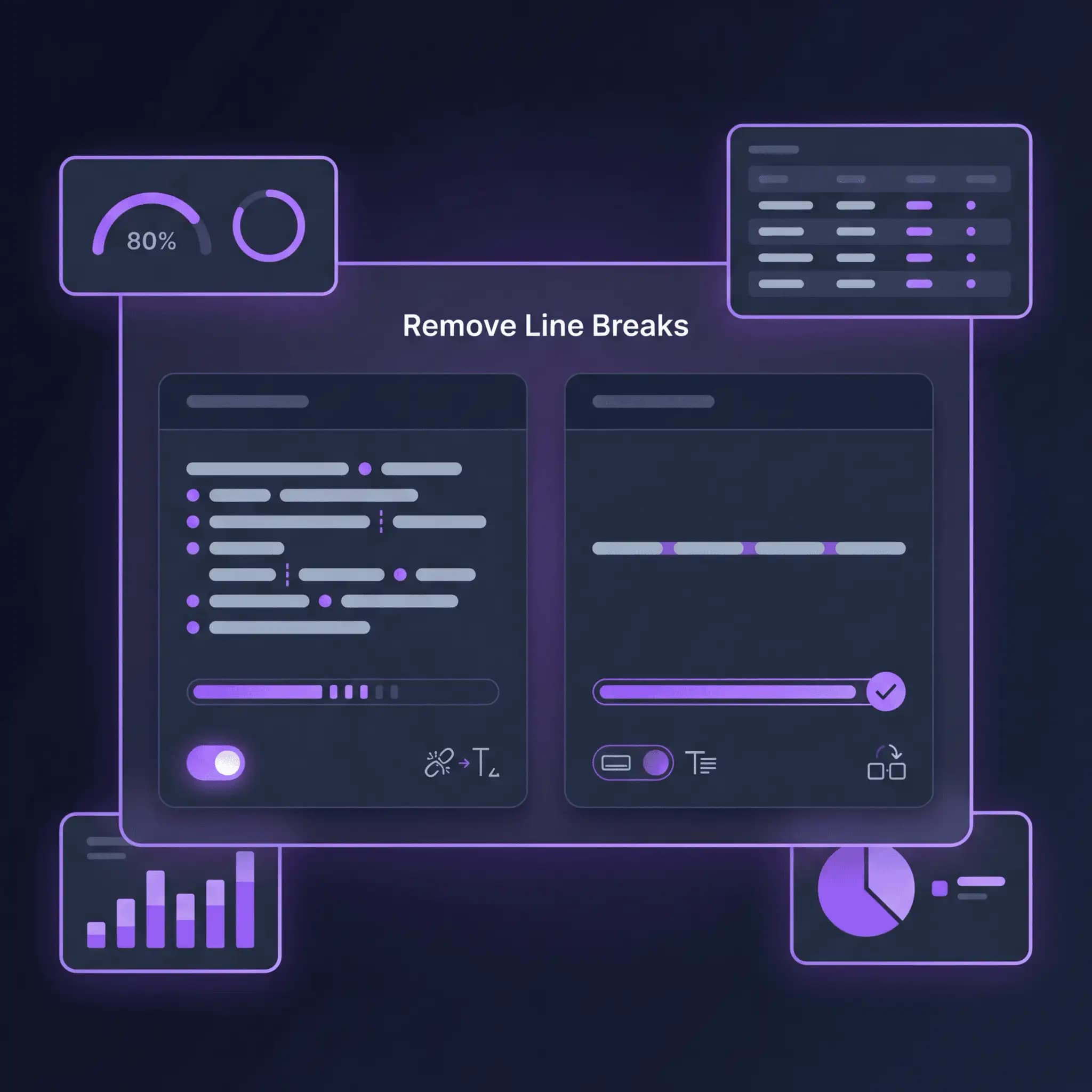
Three steps. No find-and-replace. No regex. Just paste, clean, copy.
Why Your Text Has Unwanted Line Breaks in the First Place
Line breaks don't just appear randomly. They come from specific sources — and each one creates a different kind of mess.

Two Options — That's All You Need
Some line break tools give you a wall of settings. Most of them don't matter. You need two things, and this tool gives you exactly those:

Who Uses the Line Break Remover — And What's Breaking Their Text
Different people hit this tool for different reasons. Here's who uses it most:

Clean Text. One Paste.
Stop Fighting Line Breaks — Remove Them in Seconds
Find-and-replace works. But you need to know the right characters to search for (\n? \r\n? \r?), and you need to replace them with the right thing (space, nothing, or something else). Then you need to clean up the double spaces left behind. Then you need to check that you didn't accidentally merge paragraphs.
Or you paste your text here and it's done in two seconds. Breaks replaced, spaces collapsed, text clean. Copy and move on.
It's free. No signup, no email wall, no character limits. Paste, clean, copy. That's the whole tool.
Frequently Asked Questions
What's the Difference Between a Line Break and a Paragraph Break?
A line break (also called a newline) moves text to the next line without starting a new paragraph. A paragraph break creates a new paragraph, usually with extra vertical spacing. In most text, a single newline (\n) is a line break, while two consecutive newlines (\n\n) indicate a paragraph break. Our tool removes all single line breaks by default.
Why Does My PDF Text Have So Many Line Breaks?
PDFs store text as it visually appears on the page, not as flowing paragraphs. Every line that wraps at the edge of the page ends with a hard line break. When you copy that text, all those visual line endings come with it. A single paragraph in a PDF can produce 8–10 broken lines when pasted. This is the most common reason people use a line break remover.
What Does 'Replace with Space' Do?
When enabled, every line break character is replaced with a space. This keeps words separated properly. "end of line" + line break + "start of next" becomes "end of line start of next" instead of "end of linestart of next." It's on by default because most people want their text to flow naturally after removing breaks.
What Does 'Collapse Multiple Spaces' Do?
After replacing line breaks with spaces, you sometimes end up with double or triple spaces — especially if the original text had trailing spaces before the line break. This option collapses any consecutive spaces into a single space so your text looks clean. It's on by default and works together with "Replace with space."
Can I Remove Line Breaks Without Adding Spaces?
Yes. Turn off "Replace with space" and the tool will strip line breaks entirely, joining lines together without any separator. "end of line" + line break + "start of next" becomes "end of linestart of next." This is useful for removing breaks from data strings, code, or text where you want no separation at all.
Does This Work with Windows and Mac Line Endings?
Yes. The tool handles all line ending formats: Windows (\r\n), Unix/Mac (\n), and old Mac (\r). You don't need to know which format your text uses — the tool detects and removes all of them.
Is My Text Private?
Your text is sent to our server for processing but isn't stored permanently. We don't save your content, share it with third parties, or use it for any purpose beyond returning the cleaned result.
Can I Use This for Code or Log Files?
Yes. Developers commonly use the tool to clean up log output, error messages, and terminal text before pasting into documentation, bug reports, or chat messages. Just paste the text, remove the breaks, and copy the single-line result.
Is There a Character Limit?
Free usage handles most typical documents without issues. For very large files processed regularly, paid plans remove all limits. For everyday use — PDF text, emails, web content, code output — the free tier is plenty.
How Is This Different from the Space Remover Tool?
The space remover focuses on cleaning up extra spaces, tabs, and empty lines within your text. The line break remover specifically targets newline characters — it removes or replaces the breaks that split your text into separate lines. If your text has both problems (broken lines AND extra spaces), you can use both tools in sequence.